Shop Ghanaian vendors
on WhatsApp
Browse products, order, and pay by MoMo — all in one WhatsApp chat.
Open a stocked local shop and start your order.
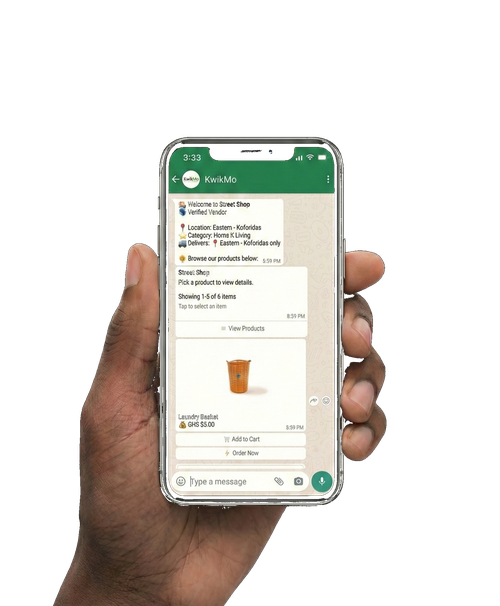
Shopping That Feels Familiar
Find local products, confirm the order in chat, and keep the payment flow clear.
Browse in WhatsApp
Search products from local vendors without installing another app or creating a new account.
MoMo Checkout
Pay through KwikMo checkout and approve payment with your own mobile money provider.
Your payment is secured. The vendor only gets paid once delivery or pickup is confirmed.
Clear Order Trail
Your product choices, order details, and support messages stay in the WhatsApp conversation.
How It Works
-
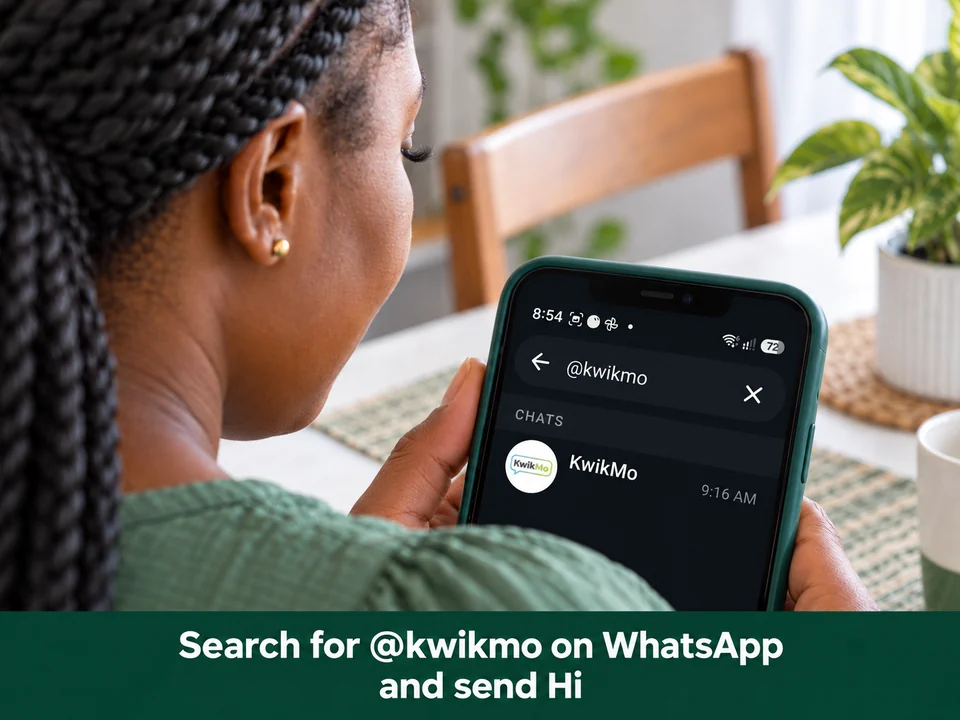
Open the KwikMo chat. Search @kwikmo on WhatsApp and send Hi. -
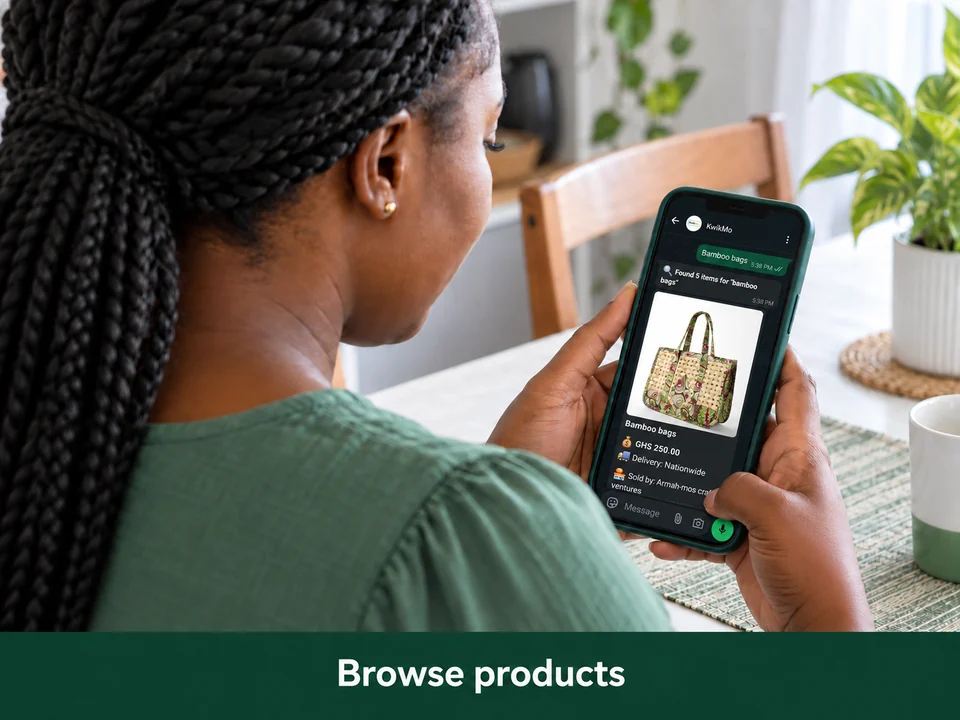
Explore what’s available -
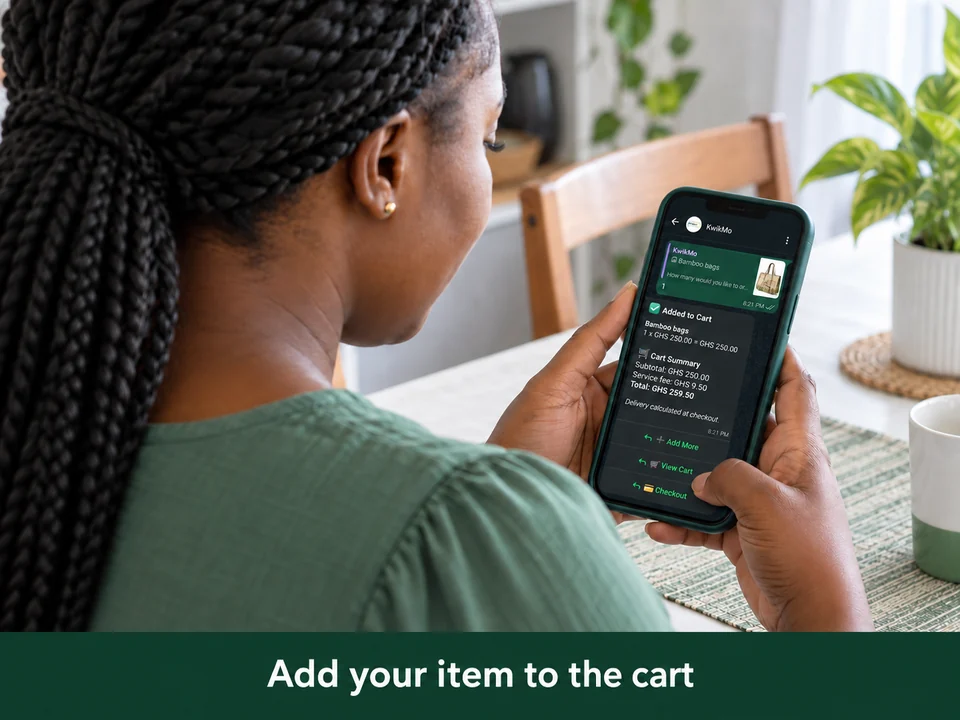
Review your cart -
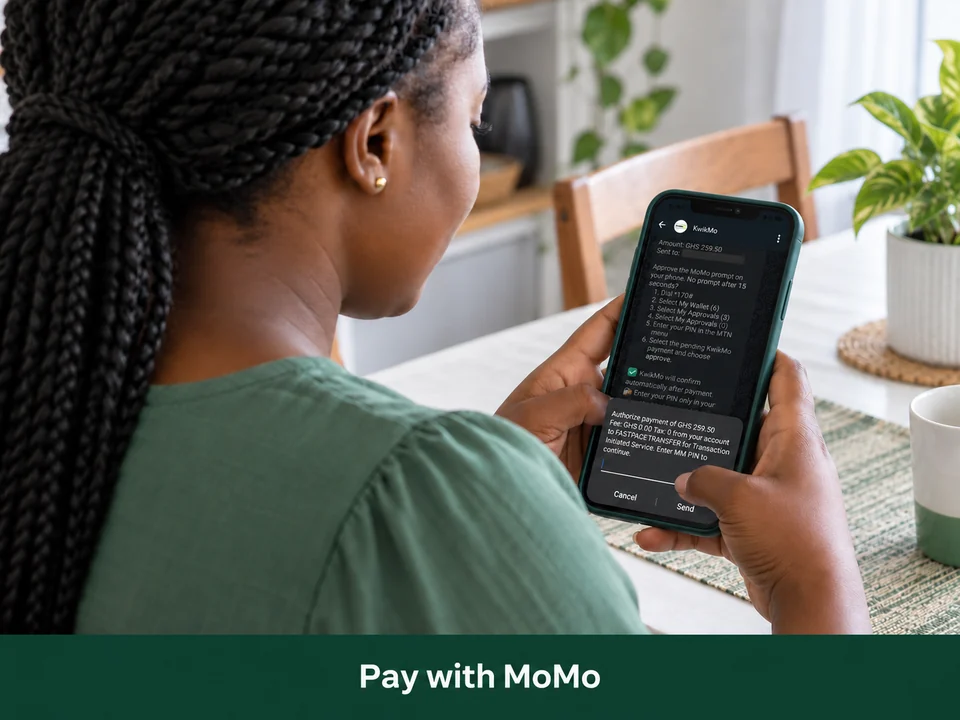
Approve the payment -
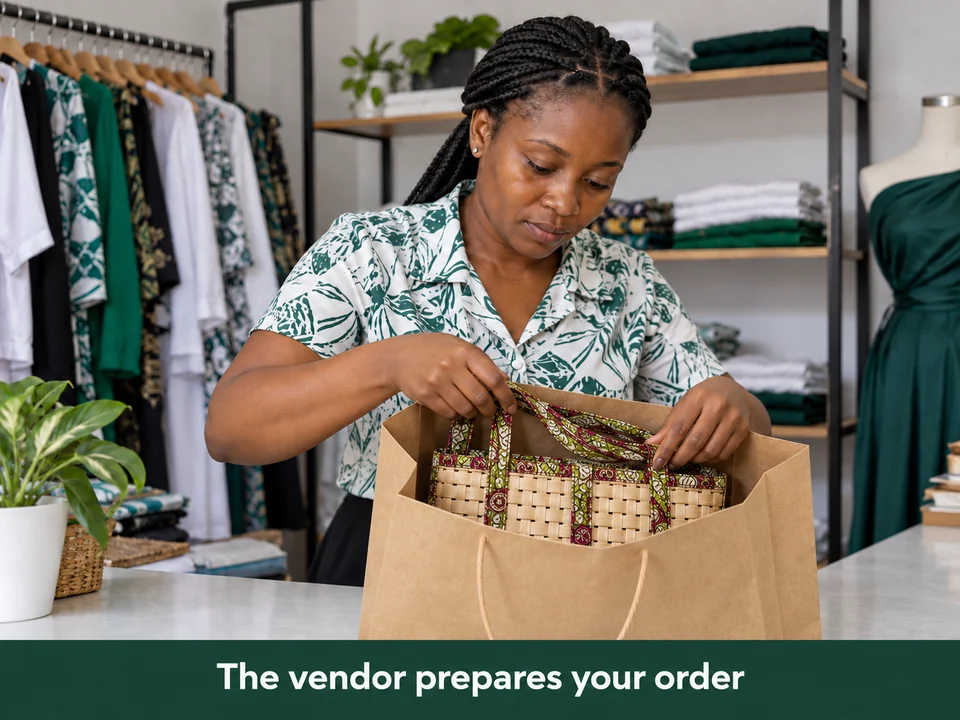
Order preparation
Sell from WhatsApp
Add your products, share your shop link, and let customers order without asking for every price.
Why Vendors Use KwikMo
Practical help for everyday WhatsApp selling in Ghana.
Customers can open a product list and see prices before messaging, so vendors spend less time repeating the same product details.
Shared product links can go on WhatsApp Status, groups, or direct chats, then interested buyers continue the order in WhatsApp.
Orders and payment status stay attached to the chat flow, giving vendors a clearer record for delivery, pickup, or customer follow-up.
Frequently Asked Questions
Everything you need to know about shopping on KwikMo.
Open KwikMo on WhatsApp, search or browse products, add items to your cart, enter delivery details, review your order, then confirm and pay through KwikMo. No app download is needed.
KwikMo supports Mobile Money payments through its checkout. Follow the payment prompt or link shown in WhatsApp, then use Check Status if confirmation takes a little time.
Payments are confirmed through KwikMo checkout. Your MoMo PIN is handled by your mobile money provider, not shared with KwikMo or vendors. Keep payments inside the KwikMo flow so your order can be tracked.
Delivery or pickup depends on the vendor and location. The order flow collects delivery details, and any delivery timing or fee should be made clear before the order is completed.
Yes. You can choose Sell on KwikMo to register a shop, or Earn Money to join the affiliate program where available. Commissions and payouts depend on confirmed eligible sales.